
How to Write a Daily Construction Site Report in 10 Minutes
Most crews treat the daily site report as office paperwork, but it often becomes the key record in a later dispute. A clear, dated entry written while details are fresh protects everyone involved.
What a Daily Construction Site Report Is and Why Crews Keep It
Many crews treat a daily site report as paperwork for the office, but its real value shows up months later, when someone is arguing about a delay nobody wrote down. Learning how to write a daily construction site report starts with that reversal: the entry you rush at 5 p.m. is the one a lawyer, owner's rep, or insurer may read first. The job is a dated, factual record of weather, people, equipment, work, delays, and changes, written while the details are still fresh.
A daily site report is contemporaneous evidence. When a delay claim, extra-cost request, or safety incident is reviewed later, reviewers look for entries made close to the events themselves. A note that says "crew waited for drywall inspection, roughly two hours, electrical rough-in held" carries far more weight than a summary written a week afterward from memory. Timing and specificity are what make a record usable.
Crews keep the habit because a ten-minute routine is realistic. Built around five entries (manpower by trade, equipment on site, delays with cause and duration, visitors and inspections, and one-line scope or schedule changes), the report stays short without going sparse. Imagine a superintendent on a small commercial job who gathers foreman counts, notes a crane that sat idle all afternoon, and records a plumbing inspector's visit. That is the whole report, and it takes minutes.
The superintendent or site lead usually owns the report, while foremen supply the raw inputs for their trades. The rule that governs every line is simple: facts only. No opinions, no blame, no speculation about who caused a problem. "Excavator down 1.5 hours, hydraulic hose replaced" is a fact; "the rental company is useless" is not. Keeping that discipline is what lets the record hold up when it is read by people who were not there.
What to Gather Before You Write the Report
A daily report often fails before anyone writes a word, because the foreman is trying to remember the day instead of reading it off paper. The fix is to gather inputs before the shift ends, so the entry reflects records rather than memory.
Start with the crew's sign-in sheets or foreman time cards, sorted by trade and subcontractor. Writing "six laborers" is weak; the record should show which trade, which company, and how many were present.
Next, pull the equipment log. It should list each machine on site and whether it ran or sat idle. A small excavator idle for three hours matters later, so note it now.
Collect delivery tickets and material receipts received during the day, and keep the visitor sign-in sheet plus any inspection notices or results. A missing inspection result is exactly the kind of gap that surfaces in a dispute.
Finally, keep one saved template for every project so field names stay identical. A superintendent comparing reports from two jobs should find the same labels in the same places.
Quick Reference: Inputs to Gather
Crew counts sorted by trade and subcontractor, not a single total.
Each machine on site with hours in use and hours idle.
Every load received, with material type and time of arrival.
Names, companies, and times of anyone who entered the site.
What to Include in a Daily Site Report: Essential Sections
When a project ends up in a dispute, what someone wrote, or failed to write, at the end of a single day can matter as much as the drawings or the contract. The daily site report is the record a reviewer reaches for first, so the question is not whether to write one but which entries will still matter months later.
Start with the questions a reviewer will ask. Did the crew have the people they were paid for? Did the machines run? When did work stop, and why? Who came through the gate? Each core section should answer one of those questions and nothing more. Anything that does not change the record for that day belongs elsewhere.
Weather
Record conditions and any hours lost, with the time work stopped. "Rain from 2:15 pm, work halted until 4:00 pm, 1.75 hours lost" is useful; "wet day" is not.
Manpower
List headcount by trade and subcontractor, not a single total. "Electricians (sub A): 4; framers: 6" lets a reviewer check a backcharge line by line.
Equipment and work performed
Name each machine with hours used and idle time, then the activity, location and how much is done. "Excavator 6.5 hrs, 1.5 hrs idle, trench line B, 30 of 75 metres dug" survives scrutiny.
Delays
For each stop, the start and end time, one factual cause and the trade that stood down. The section on delays below covers this entry in detail.
Visitors and inspections
Who came on site, from which company or authority, at what time, and the result of any inspection, including a failed or missed one.
Changes
One line per change to scope or schedule: what changed, who directed it, and the reference, such as an RFI, change order or site instruction.
How to Fill Out a Daily Construction Report, Step by Step
The usual reason a daily report goes wrong is a boring one: the person writing it waits until the end of a long shift, then tries to remember what happened. The fix is an order of operations. Gather the inputs first, then fill each field in sequence, and the whole entry takes about ten minutes. Here is how to write a daily construction site report without guessing.
Identify the entry
Enter the date, project number, and your name. A foreman covering a small residential job and a superintendent on a commercial site both need this so the entry can be traced back to a person and a day.
Record weather
Copy readings from the start and end of shift into the weather field. Write "rain from 2 p.m., pour paused" rather than "wet," because the first wording supports a later claim about lost time.
Transcribe headcount by trade
Pull numbers from the sign-in sheet, not memory. Weak: "about 12 guys." Strong: "electricians 4, plumbers 2, framers 6, signed in 6:45 a.m."
Log equipment with hours and idle time
List each machine on site, its hours used, and any idle time with the reason. A crane idle for three hours waiting on a delivery is a fact that matters later.
Log delays and changes as they happen
Note each delay and each instruction to do extra or different work at the time it happens, with clock times. The next section shows what each entry needs.
Record visitors and inspections
Copy names, companies and times from the visitor sign-in sheet, and write down the result of every inspection.
Review, sign and file
Read the entry once for gaps, sign or submit it, and file it in the project's shared system the same day. After that, corrections go in a dated addendum rather than an edit.
Documenting Delays, Changes, and Disputed Work with Time-Stamped Detail
Arguments over delays and extra work often come down to a single question: when did it happen, and who said so? A delay logged on Friday for something that occurred on Tuesday carries far less weight than one with a clock time and a named cause. The delay and change entries are the ones opposing parties challenge first, so they deserve the most care in a short daily routine. Knowing how to write a daily construction site report that holds up means treating these two entries differently from the rest.
The fix is timing, not length. Record each entry when the event happens, not at the end of the week when memory has blurred.
Log start and stop times
Write the exact clock time the delay began and ended in the delay field. "Crane idle" is weak; "Crane idle 10:40 to 13:15" is usable.
State one factual cause
Name the condition or responsible party in one sentence, such as "Inspector absent; framing crew held until 13:15." Avoid opinions about fault.
Record duration and affected crew
Give the hours lost and which trade or activity stopped, so a reviewer can trace the cost to the right crew.
Capture directions and photos
Note who gave any instruction to do extra work and when. Photograph the condition that day and cite the photo ID in the entry.
Weak Versus Strong Entries, Side by Side
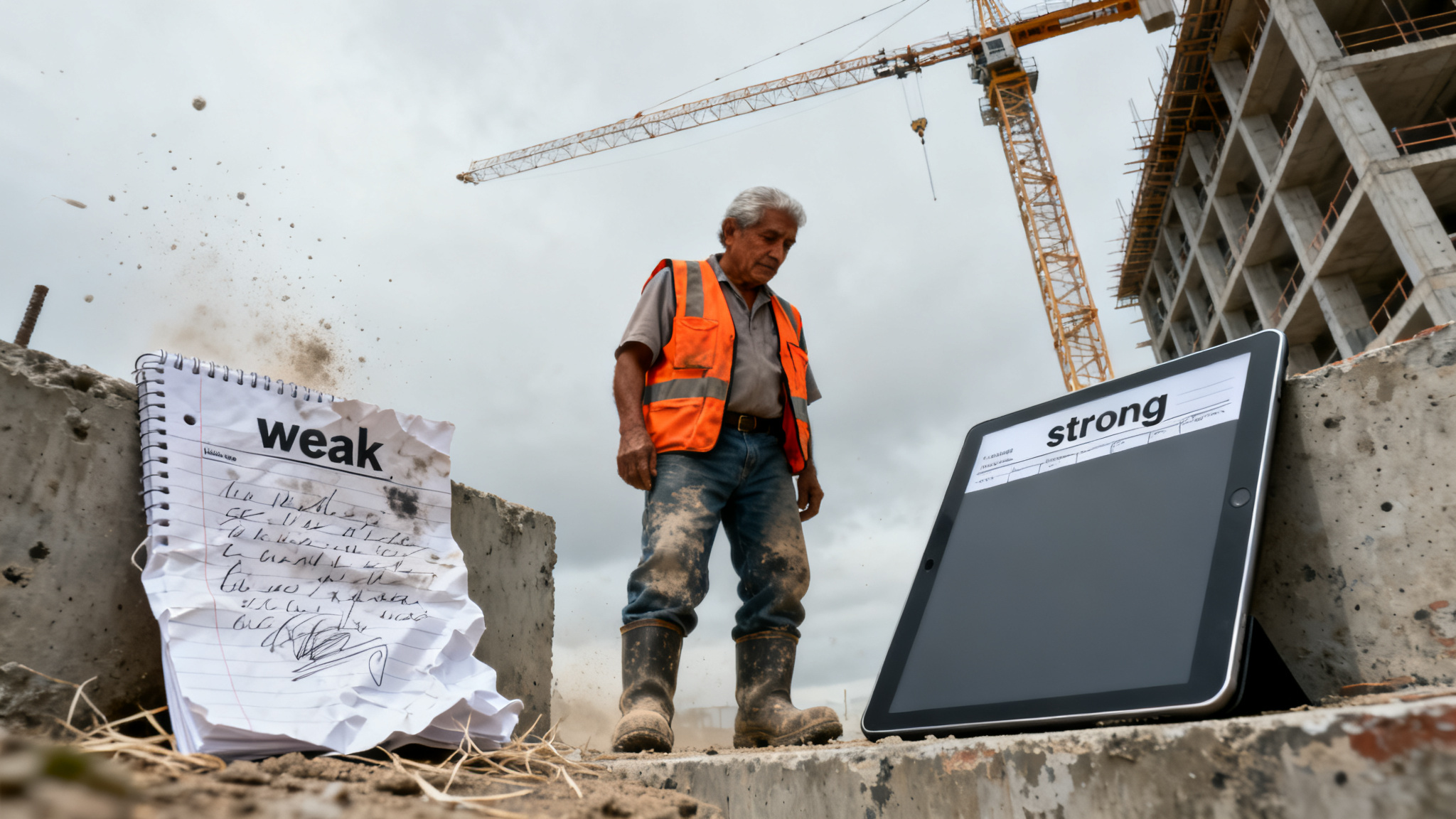
Strong site reports are not longer than sloppy ones. They are more specific in a handful of places. Swap a vague phrase for a time, a count and a cause, and the same entry that invited questions now answers them. The five entries that tend to decide disputes, manpower, equipment, delays, inspections and scope or schedule changes, each respond to a simple rewrite.
| Entry | Weak version | Strong version |
|---|---|---|
| Manpower | Crew of 12 worked on Level 3 | Electrical 4, plumbing 3, drywall 5 on Level 3 east wing, 7:00 to 15:30 |
| Delays | Rain delay | Work stopped 10:40 to 13:15 (2 h 35 min) due to rain; electrical rough-in on Level 3 halted |
| Equipment | Crane on site | Tower crane TC-2 operated 6:30 to 11:00; idle 11:00 to 15:30 awaiting rigging inspection |
| Schedule change | Schedule slipped | Level 4 drywall moved from March 12 to March 14 per RFI 045, approved by the owner's rep on March 11 |
Daily Construction Report Format: Digital Versus Paper
Many crews pick paper or an app without checking the contract first, and that is where trouble starts. The format question is less about paper versus screen and more about whether the record will survive a hard look later. A report that is easy to write but impossible to search or prove is a weak record, even when it looks tidy.
Start with the contract. Some owners or prime contracts specify a required daily log format, submission method, or software, so check the documents before anyone picks a notebook or an app. If the contract is silent, the choice comes down to site connectivity and how the report will be reviewed.
Each format carries trade-offs that matter once a delay claim lands on the table.
Pros
- Paper: works with no signal, so a trailer in a rural pit still gets a report.
- Digital: entries are time-stamped and photos attach automatically.
- Digital: searchable fields let you pull every delay tied to one trade in seconds.
- Digital: dropdowns keep trade names consistent across crews and projects.
Cons
- Paper: handwriting can become illegible, and a smudged delay entry is hard to rely on.
- Paper: lost or water-damaged pages leave gaps that opposing parties will notice.
- Digital: tools need training, and an unlicensed account can lock a foreman out.
- Digital: entries made offline sync late, which can muddy the timeline.
Whichever medium you use, lock the mandatory fields and enforce one template across every crew.
Storage, Sharing, and Retention for Daily Reports
A site report can be accurate and still fail because nobody can find it when a dispute lands on the desk. A daily report that sits on one foreman's phone, under a file name like "IMG_4471", is close to useless three years later. Before the first entry is written, decide where it lives, who sees it, and how long it must be kept.
Store originals in a version-controlled system, such as a project management platform or a shared document library with a visible revision history. Personal phones lose data, get replaced, and cannot show who changed what. When a superintendent asks how to write a daily construction site report that will hold up in a dispute, the answer starts with a single, controlled location. Photos attached to an entry should be uploaded directly into that system, not left in a camera roll.
Sharing should follow the schedule the contract requires, not habit. Some agreements call for delivery to the owner within a set number of days, while subcontractors may need only their own trade entries. Confirm the distribution list at kickoff, and send each report to the project file on the same cadence every time. Retention is a question for counsel or the project manager: the period depends on the contract and local records rules, so get the end date in writing rather than guessing.
Locking matters as much as storage: a report anyone can quietly change later carries far less weight in a dispute.